Affiliate disclosure: LatenciaCero is a participant in the Amazon Associates Program. The product links on this site are affiliate links, and if you buy through them we earn a commission at no extra cost to you. Amazon and the Amazon logo are trademarks of Amazon.com, Inc. or its affiliates.
Technical benefits: what it actually gives you
Optical, not analog: the difference matters
OPX switches close the circuit with light, so they don't bounce and don't need the debounce delay a mechanical switch adds in software. But careful: optical is not the same as analog. These switches have a fixed actuation point, so there's no Rapid Trigger and no adjustable actuation. You gain signal cleanliness and durability (150 million keystrokes), not tuning ability.
65%: the layout that doesn't cost you the arrow keys
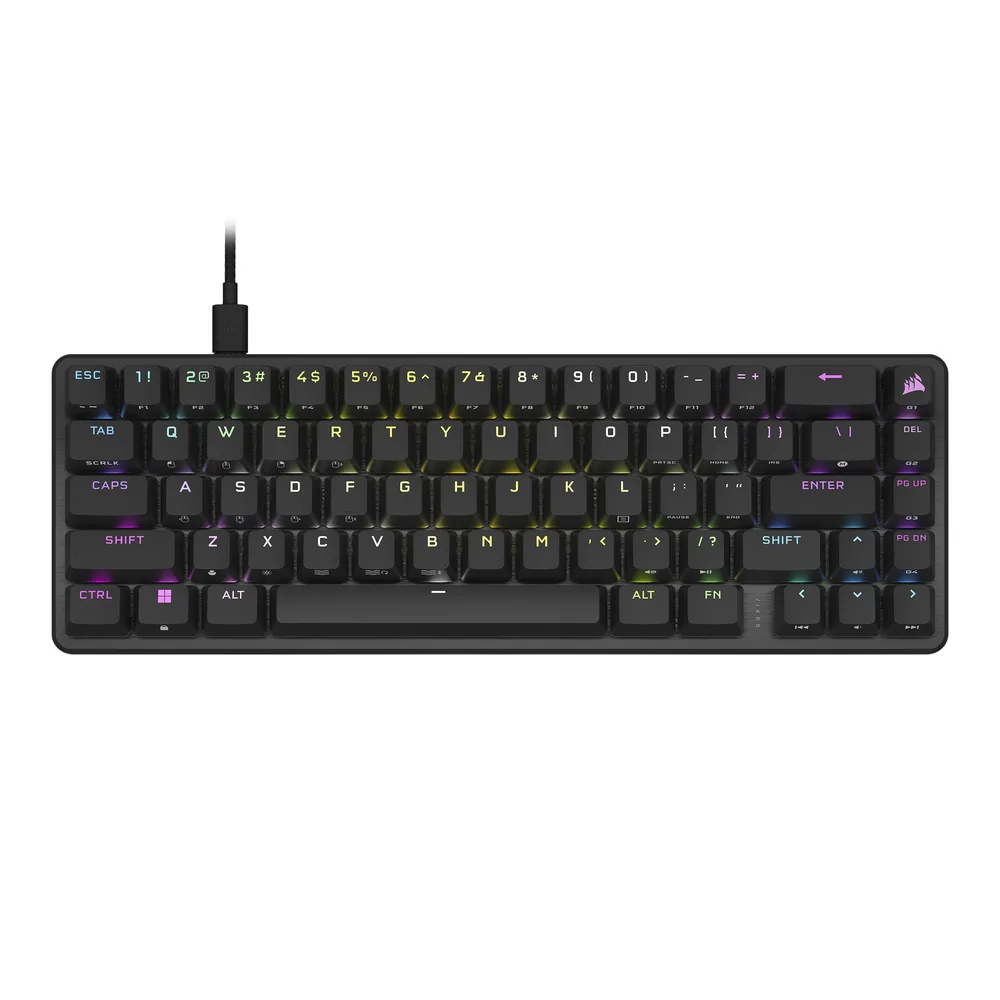
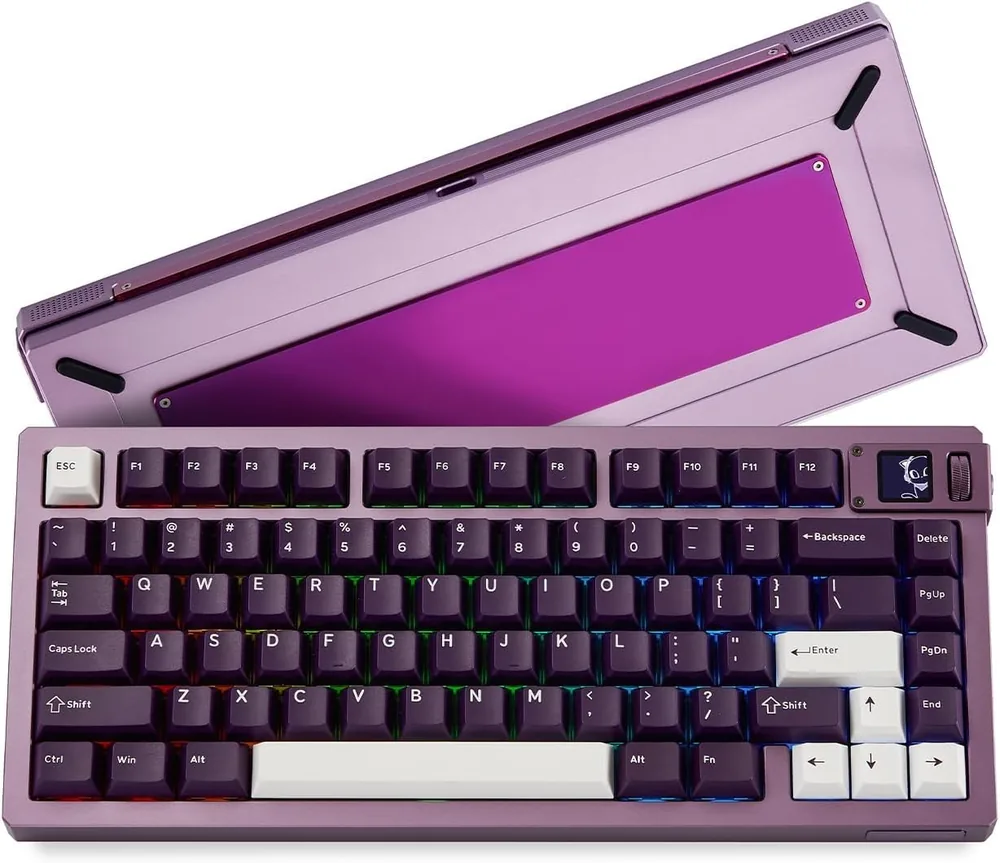
A 60% frees a lot of desk but pushes the arrows onto a layer. A 65% adds one column and brings back arrows and utility keys while taking barely two centimetres more. For anyone who games and works on the same board, it's usually the sweet spot.
Double sound damping and PBT keycaps
Two foam layers inside the aluminium chassis kill the metallic echo typical of rigid cases, and doubleshot PBT keycaps don't shine with use or lose their legends. They're the two details that separate a genuinely high-end board from one that merely has a good spec sheet.
Editor's rating
Precision8/10
Response speed9/10
Ergonomics8/10
Build quality8/10
Value for money7/10
Scores from 0 to 10 assigned by our editors from the spec sheet and compared within each category. These aren't manufacturer figures: they're our judgement. You can read the method in how we choose.
Full spec sheet
Switches & actuation
Switch technology
Opto-mechanical
Switch model
Corsair OPX linear (150 million keystrokes)
Minimum actuation
—
Maximum actuation
—
Adjustment step
—
Rapid Trigger
No
Rapid Trigger minimum
—
SOCD resolution / Snap Tap
—
Actuation force
—
Latency & connectivity
Polling rate
8,000 Hz
Polling interval
0.125 ms
Connectivity
Detachable USB-C (wired)
Battery life
—
Build
Format
65% (68 keys)
Key count
68
Keycaps
Doubleshot PBT
Plate
Aluminium
Chassis
Aluminium
Hot-swap
No
Weight
—
Other
Warranty
—
Other listing details
AXON
Corsair states up to 8x faster than a standard gaming keyboard thanks to its AXON processing
Damping
Two layers of absorbing material for a drier typing sound
In the box
Detachable USB-C to USB-A cable and a translucent spacebar
Software
iCUE
Actuation
Corsair doesn't publish the OPX actuation point on this listing
Fields with no data show as “—”: it means neither Amazon nor the manufacturer publishes that figure. We'd rather leave it empty than estimate it.
How it performs by game type
Tactical shooters
Valorant · CS2
8/10
Very fast and very solid, but a generation behind on what decides a tactical shooter keyboard today: no Rapid Trigger and no adjustable actuation. Against a magnetic or an analog optical board you lose the ability to reset the key the instant your finger rises, which is exactly what cleans up counter-strafes.
Mechanical speed and precision
Rocket League
8/10
The 65% layout with physical arrows is handy and the linear OPX switches are smooth for chained presses. There are no analog inputs, so you can't separate a light touch from a full boost the way an HE board lets you.
High click-rate PvP
Minecraft
8/10
A good option: the 65% keeps arrows and the top row, and 150 million keystrokes take the punishment. You will miss dedicated function keys for F3 and F5, which live on a layer.
Mixed competitive play
Roblox
9/10
A great fit: compact, well built, plug and play if you'd rather not touch iCUE, and with an optical switch's response. For a Roblox player it's probably more sensible than an expensive magnetic board.
Pros, cons and who it's for
Strengths
OPX optical switches rated for 150 million keystrokes
8,000 Hz polling with AXON processing
65%: arrows and utility keys without losing mouse space
Double sound damping: dry sound, no metallic echo
Doubleshot PBT keycaps and a detachable USB-C cable
Weaknesses
No Rapid Trigger and no adjustable actuation: fixed activation point
No hot-swap: the switches can't be changed
Corsair publishes no actuation, weight or warranty on this listing
iCUE is heavy software for how little needs configuring
Ideal for: Someone who wants a very well built aluminium 65% with an optical switch's clean signal, and doesn't need a magnetic board's tuning.
With 115 reviews and a 4.5 average it has a reasonable base. What usually stands out about this model is the feel of the OPX switches and the damped sound of the chassis; the recurring criticism across Corsair's range is the iCUE software, not the keyboard.
Reviews reproduced from the product page on Amazon on the capture date (September 21, 2026). We haven't edited or translated them: they're what the listing itself shows.