Best valueBest buy
9.2
Technical comparisons of high-performance peripherals for competitive play. No marketing smoke: polling rate, actuation distance, panel response time and weight in grams, with an analysis of what each figure does inside the round.
The ones that win their category on the spec sheet and on what they do inside the round, not on what the box claims.
Premium tier: what you buy when you don't want to compromise on anything. The argument here isn't the price, it's that nothing in the category does it better.
Best-value tier: what we stand behind when the budget is doing the talking. None of these is the outright best in its category, and all of them punch far above what they cost.
Pick up to four products from the same category and put them head to head: a side-by-side table with the best value in each row highlighted, overlaid rating charts and each one's buy link. The comparison is stored in the address, so you can share it.
Side-by-side analysis of the models fighting for the same spot on your desk.
The whole input chain adds milliseconds: the switch you press, the interval at which your peripheral reports to the PC, the time the game takes to process it and the moment the monitor draws the result. A competitive peripheral doesn't make you aim better, but it removes the milliseconds that don't depend on you. That's the part you can buy.
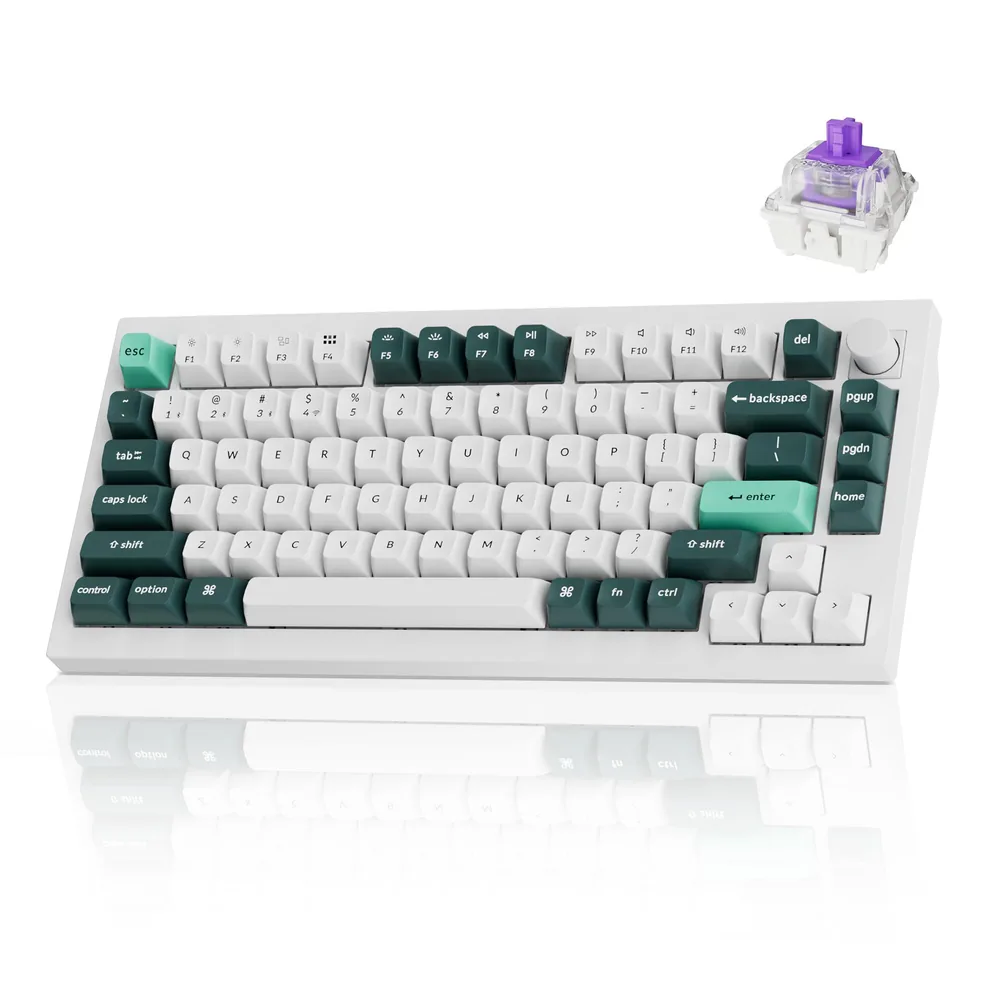
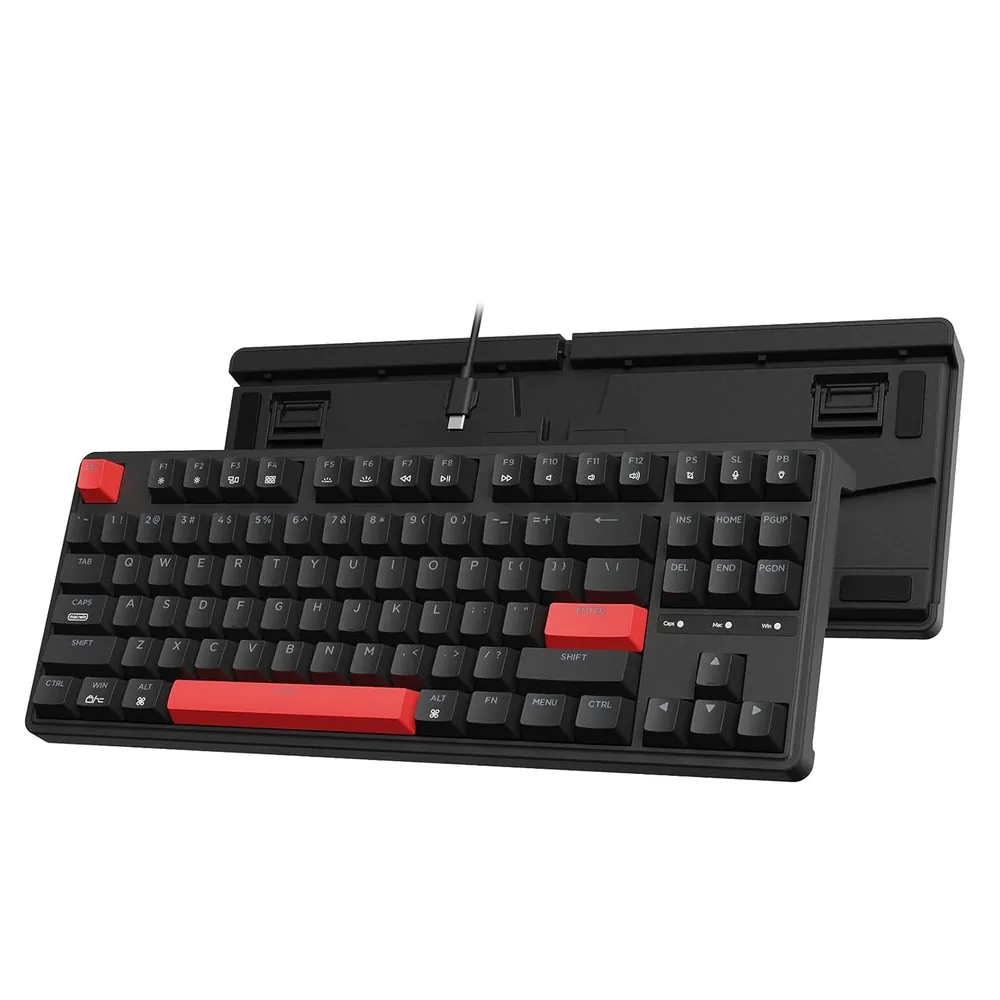
On a classic mechanical keyboard the key activates at a fixed depth and isn't available again until it travels back above a reset point, usually 1.5 to 2 mm. Magnetic (Hall Effect) and analog optical keyboards measure the real position of the stem, so you can choose how deep each key activates — from 0.1 to 4 mm — and enable Rapid Trigger, which resets it the instant your finger starts lifting. That's the real reason counter-strafes come out cleaner: the keyboard isn't “faster”, it just stops waiting.
The second number to look at is the polling rate. 1000 Hz means one report per millisecond and is the standard. Going to 8000 Hz brings a much smaller improvement than moving to Rapid Trigger, so if you have to choose, prioritise adjustable actuation.
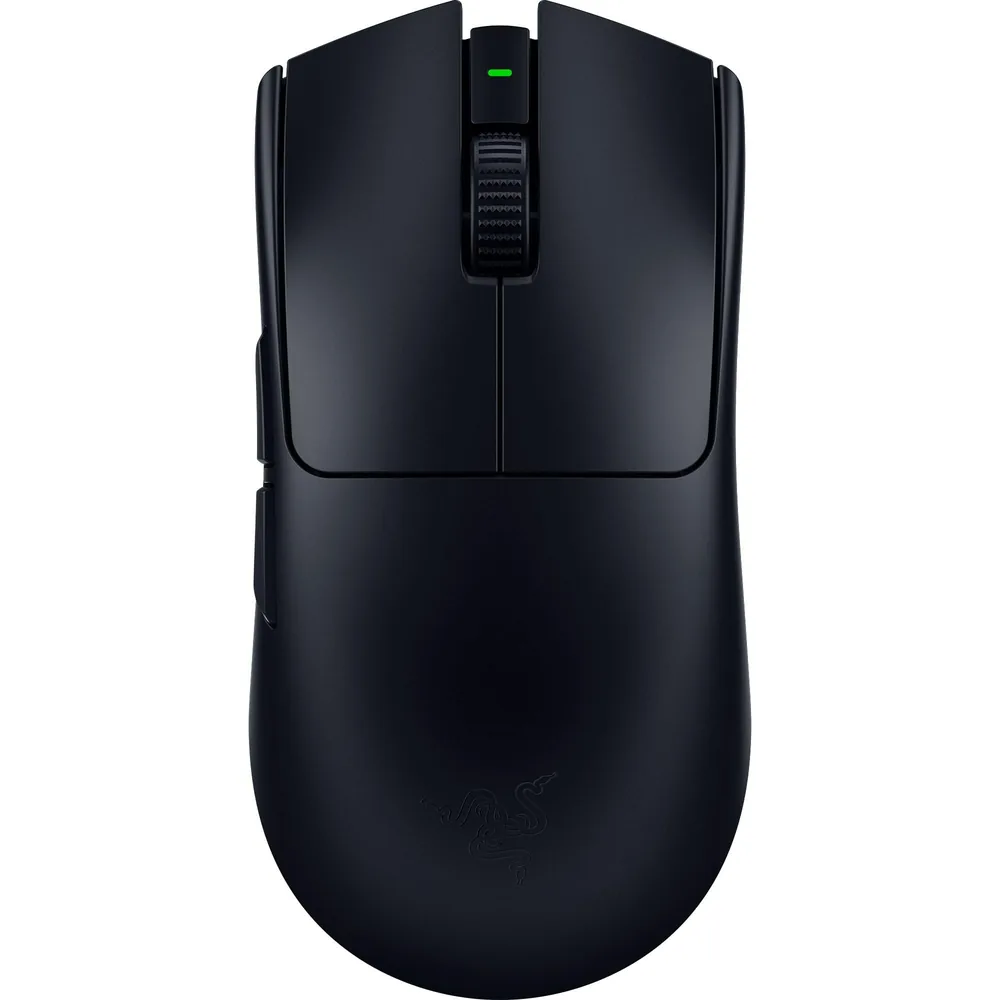
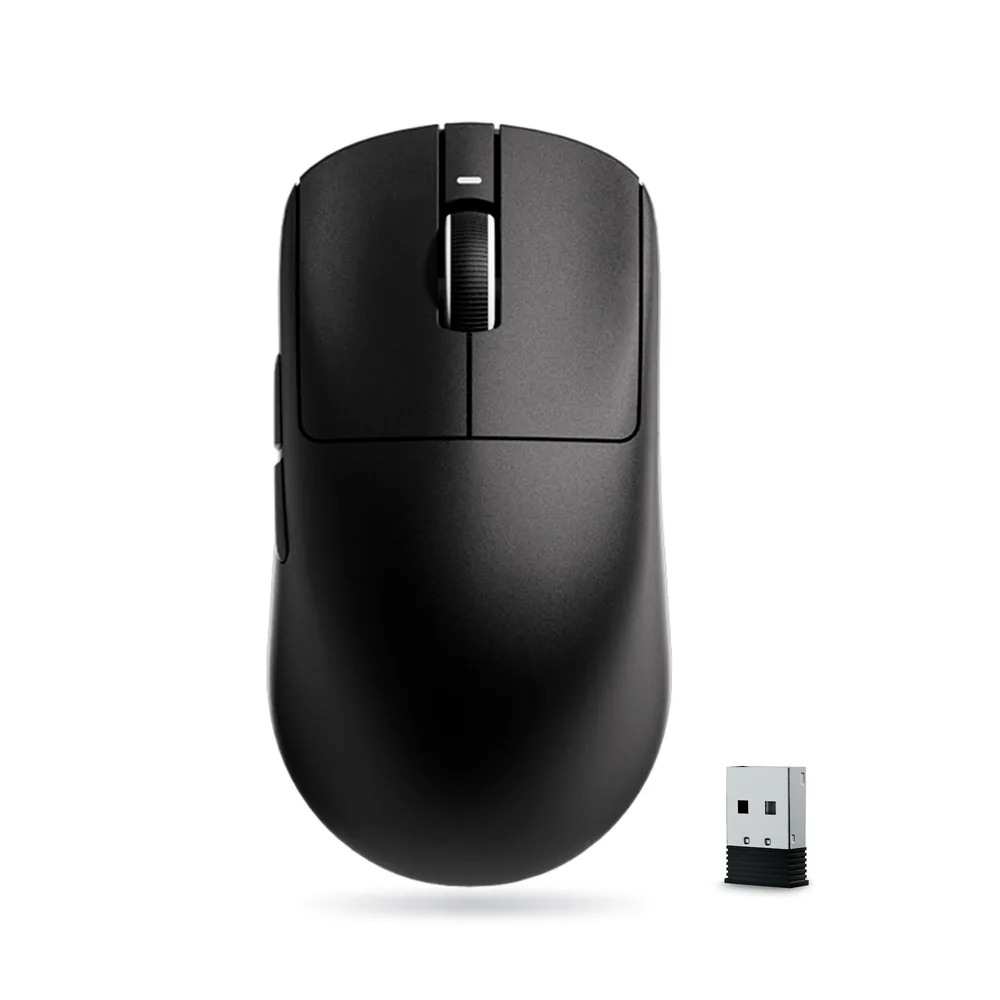
Dropping below 60 grams changes the physics of the movement: less inertia means the mouse starts and, above all, stops where you decide. Then comes polling: at 1000 Hz the mouse reports every 1 ms; at 8000 Hz, every 0.125 ms. It's a real improvement but a subtle one, and it's worth knowing that battery life at 8 kHz is far shorter and that you need a compatible receiver.
The third factor is the switches. Optical ones close the circuit with light, so they don't bounce and don't need the debounce delay mechanical switches add in software (typically 4 to 8 ms). The sensor, by contrast, stopped being the bottleneck long ago: any modern sensor far exceeds what a human hand can move.
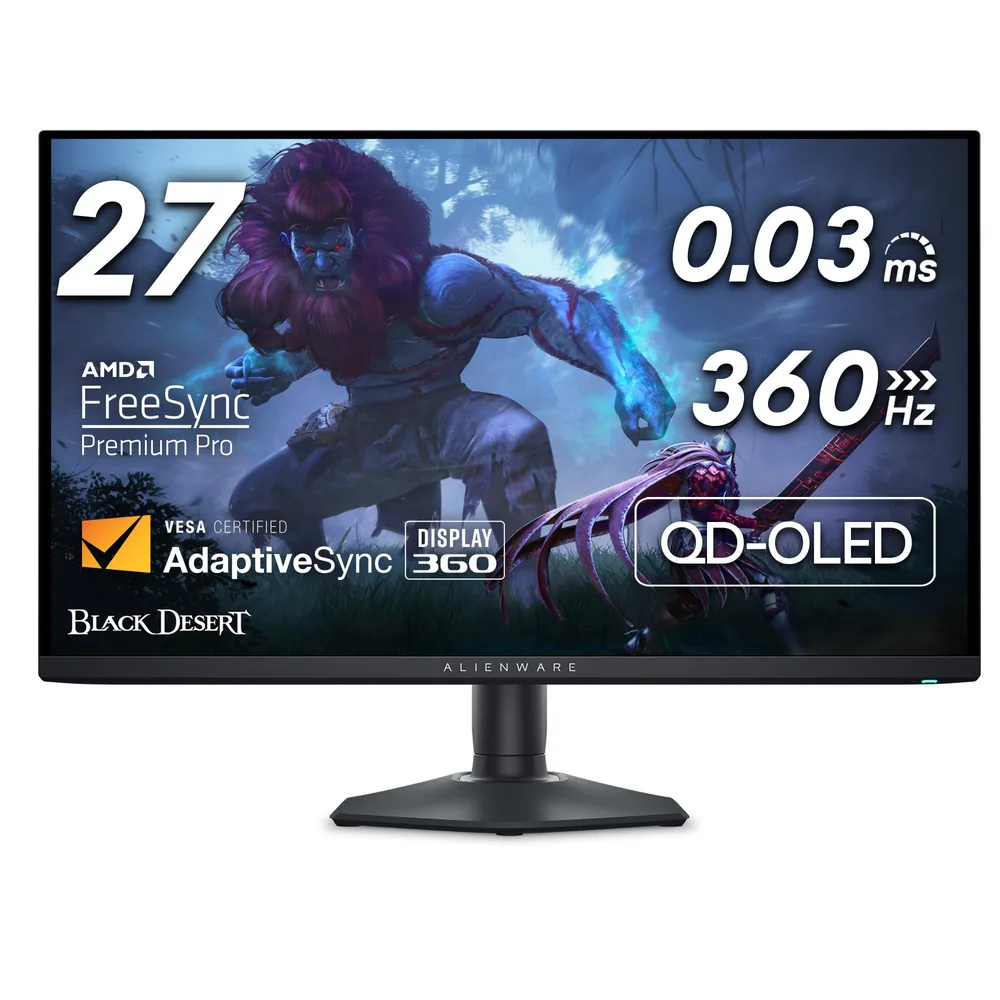
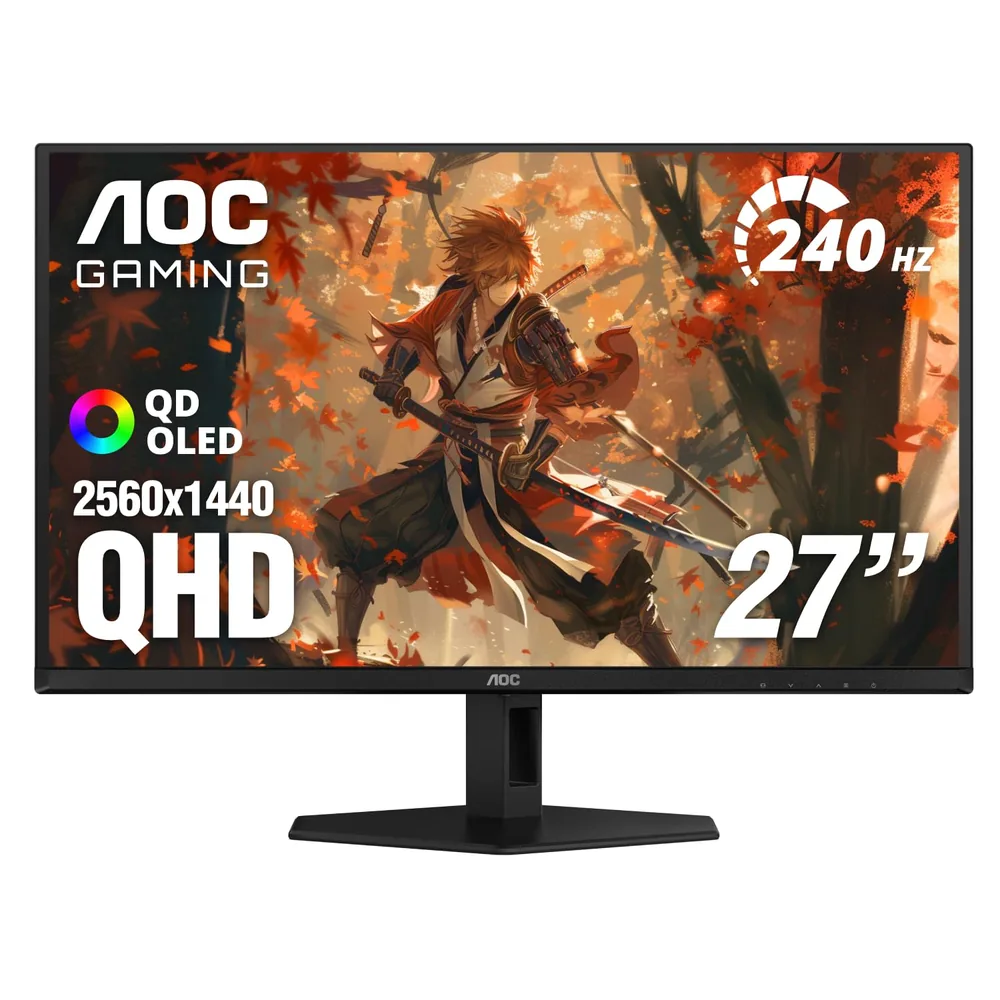
Refresh rate sets how often you see a new image: 240 Hz is 4.17 ms per frame, 280 Hz is 3.57 ms. The gap between them is barely half a millisecond, far less than your own reaction time varies, so it isn't worth obsessing over. What does change the experience is pixel response time and how motion blur is fought: an OLED changes state in 0.03 ms and eliminates ghosting from slow transitions, while a good Fast TN with backlight strobing (like BenQ's DyAc 2) attacks the blur your own eye generates while tracking an object.
Rule of thumb: if you play almost only tactical shooters and want maximum frames from a modest GPU, 1080p at 280 Hz. If the monitor has to do everything, 1440p at 240 Hz with an OLED panel.
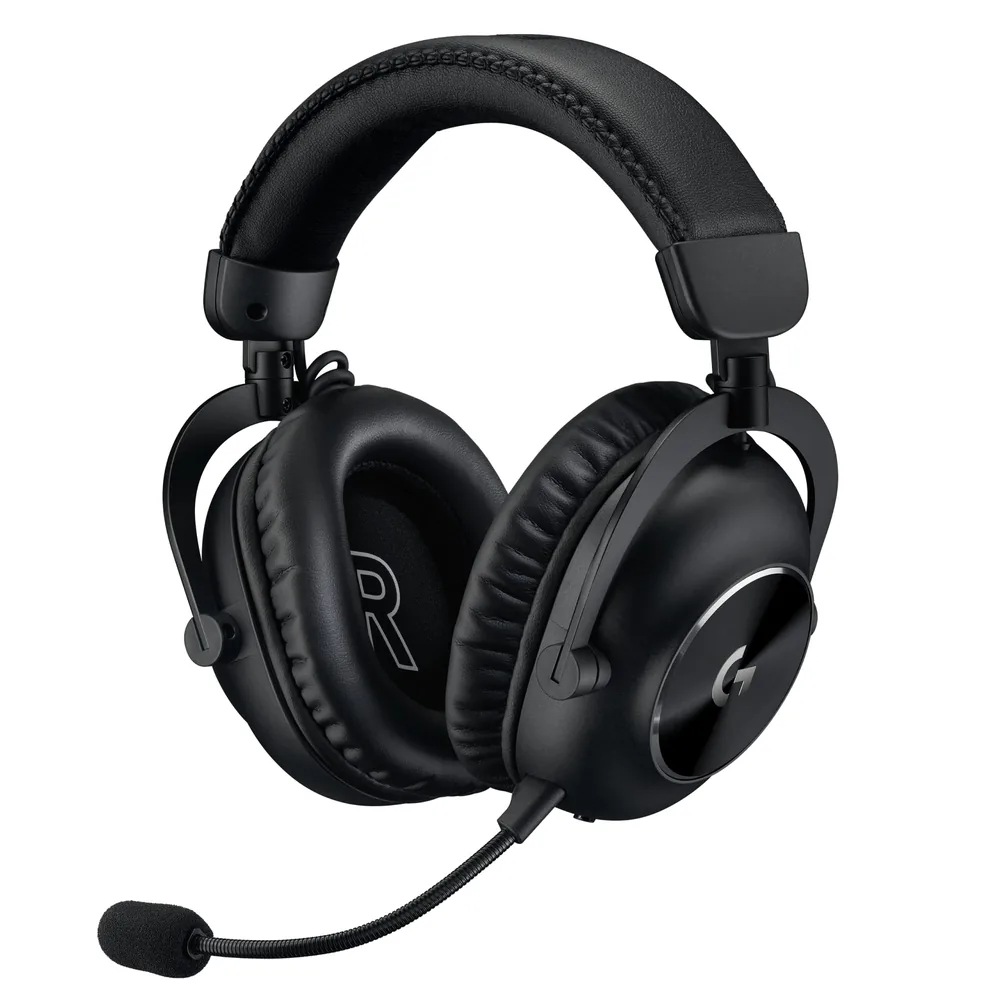
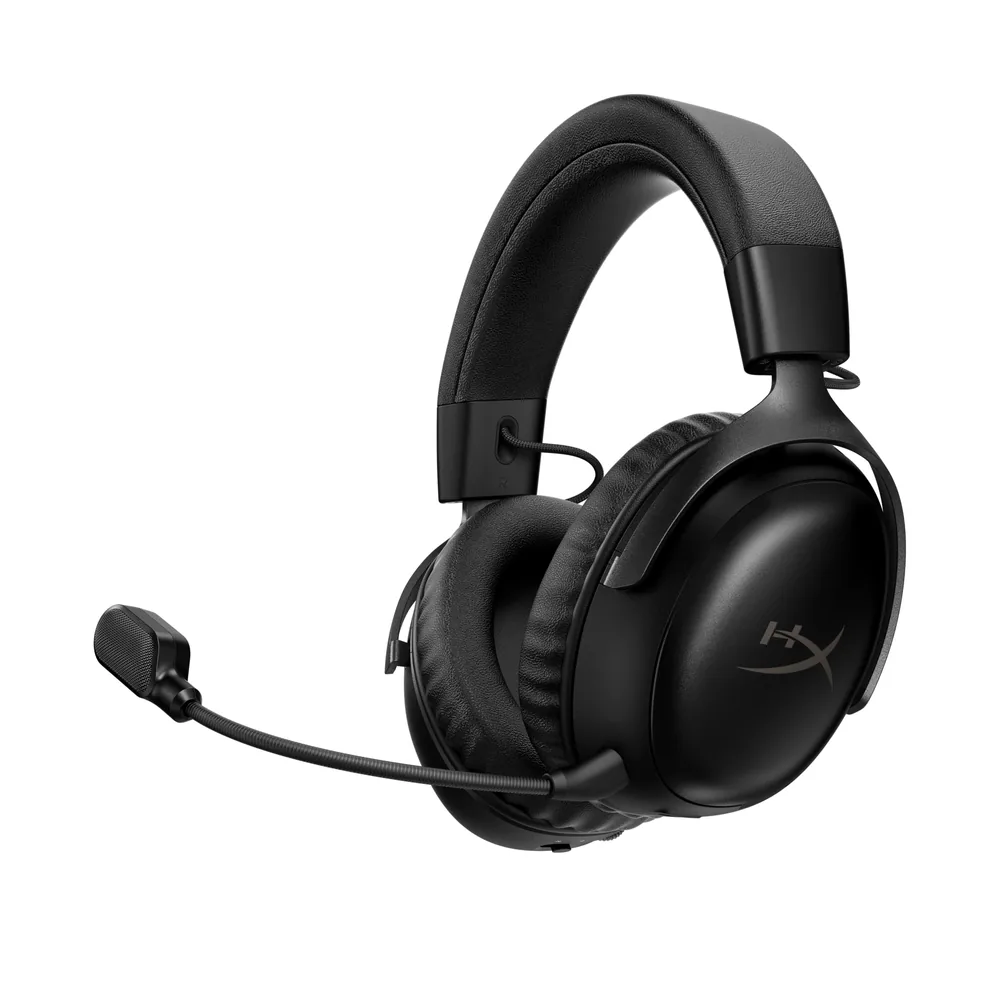
For competing, the valid wireless connection is a proprietary 2.4 GHz link. Bluetooth adds tens of milliseconds through its codec and buffering, enough for a footstep to reach you when the enemy is already behind you. Everything else — driver size, passive isolation, microphone quality — affects how much information you pull out of the sound and whether your calls land first time.
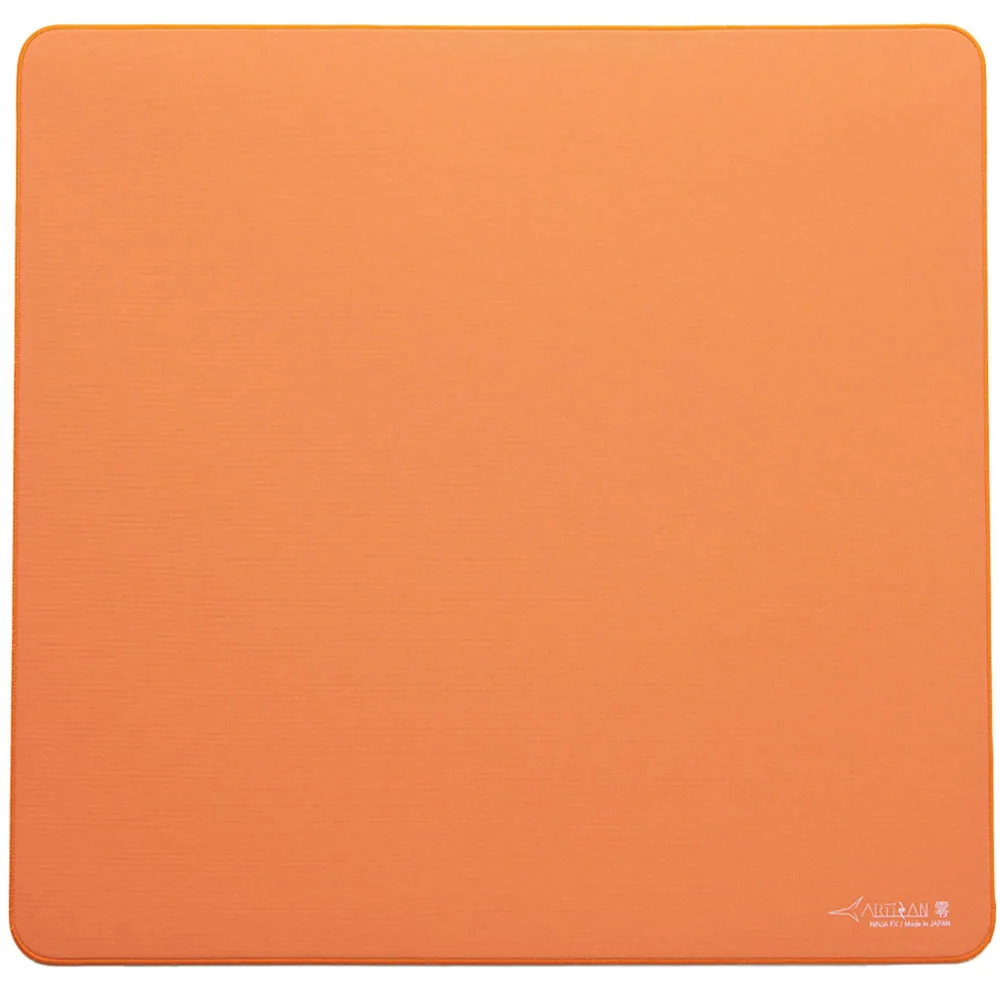
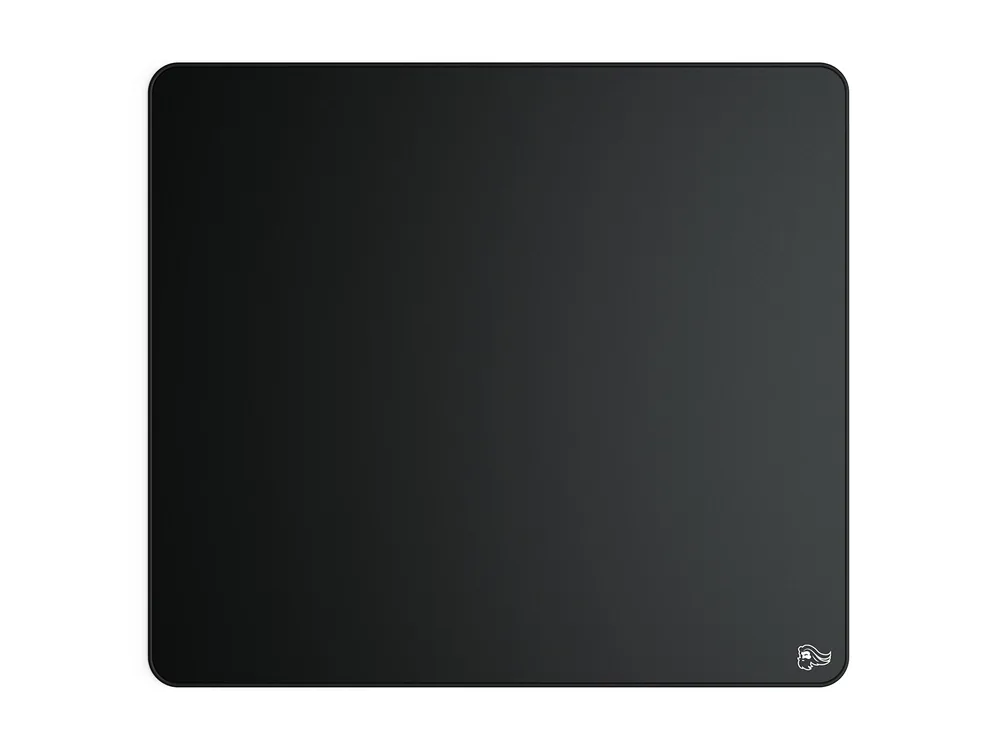
New PTFE skates and the right mouse pad cost a fraction of a mouse and completely change how the glide feels. Less contact area means less static friction, which means less force to start a micro-adjustment. If your mouse has spent months on worn factory skates, this is more noticeable than buying a new mouse.
Ordered by impact on a real match: the monitor first (it decides when you see the enemy), then the mouse and its skates, then the keyboard, and last the headset — unless you play tactical shooters, where audio climbs several places. And above all of it: a peripheral you find comfortable for four hours is worth more than one with a better spec sheet that wrecks your wrist.
Affiliate disclosure: LatenciaCero is a participant in the Amazon Associates Program. The product links on this site are affiliate links, and if you buy through them we earn a commission at no extra cost to you. Amazon and the Amazon logo are trademarks of Amazon.com, Inc. or its affiliates.