Affiliate disclosure: LatenciaCero is a participant in the Amazon Associates Program. The product links on this site are affiliate links, and if you buy through them we earn a commission at no extra cost to you. Amazon and the Amazon logo are trademarks of Amazon.com, Inc. or its affiliates.
Technical benefits: what it actually gives you
QD-OLED: colour from quantum dots, not filters
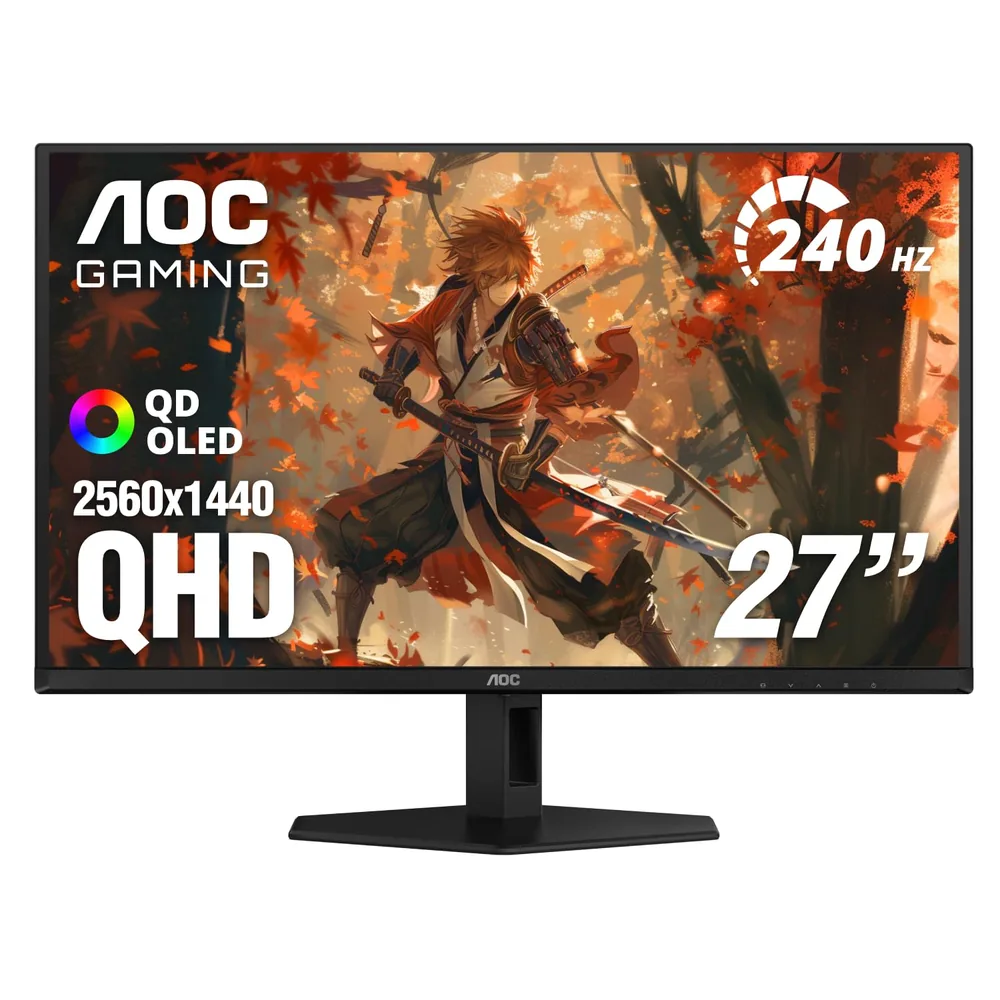
A WOLED uses a white subpixel with colour filters; a QD-OLED emits blue and converts it with quantum dots, with no filter eating energy. In practice that means more saturation at high brightness and 110% DCI-P3 coverage. In game it means the colours that carry information — enemy outlines, ability markers — stand out more against the background.
HDR400 True Black: real black, not dimmed black
True Black certification requires a black level below 0.0005 nits. Against an LCD with local dimming, here each pixel switches off completely, so on a night map in Valorant there's no grey veil hiding an enemy crouched in a corner.
240 Hz at 0.03 ms for the price of a fast LCD
That's this monitor's decisive argument: it delivers the same 240 Hz / 0.03 ms pairing as a premium OLED for considerably less money. What's been trimmed is the chassis and the stand's ergonomics, not the panel.
Editor's rating
Precision9/10
Response speed9/10
Ergonomics7/10
Build quality8/10
Value for money9/10
Scores from 0 to 10 assigned by our editors from the spec sheet and compared within each category. These aren't manufacturer figures: they're our judgement. You can read the method in how we choose.
Full spec sheet
Panel & image
Diagonal
27 "
Panel type
QD-OLED
Finish
Glossy
Resolution
2560 x 1440 (QHD)
Brightness
—
Contrast
1,500,000:1
DCI-P3 coverage
110.2 %
HDR
HDR400 True Black
Speed & latency
Refresh rate
240 Hz
Frame duration
4.17 ms
Response time (GtG)
0.03 ms
Motion blur reduction
Native OLED response (no strobing)
Adaptive sync
G-SYNC Compatible / Adaptive-Sync
Connections & ergonomics
Video ports
DisplayPort + HDMI
Stand adjustments
Basic stand according to buyer reviews
Competitive extras
HDR400 True Black, 147.6% sRGB coverage
Weight
8.03 kg
Other
Warranty
3 years
Other listing details
sRGB coverage
147.6%
Controls
Four physical buttons
In the box
HDMI cable, power cord and manual
Format
16:9
Fields with no data show as “—”: it means neither Amazon nor the manufacturer publishes that figure. We'd rather leave it empty than estimate it.
How it performs by game type
Tactical shooters
Valorant · CS2
9/10
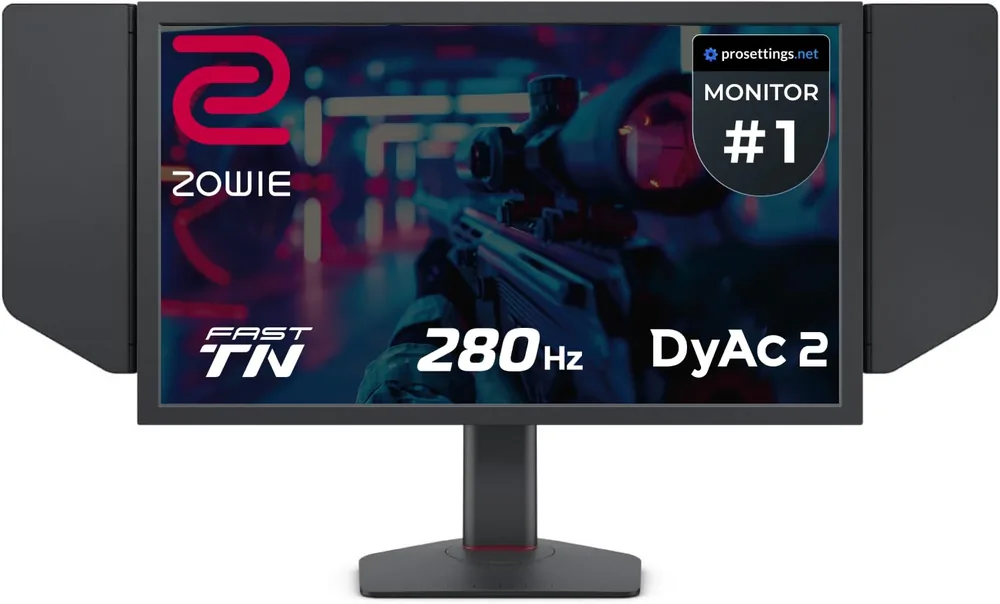
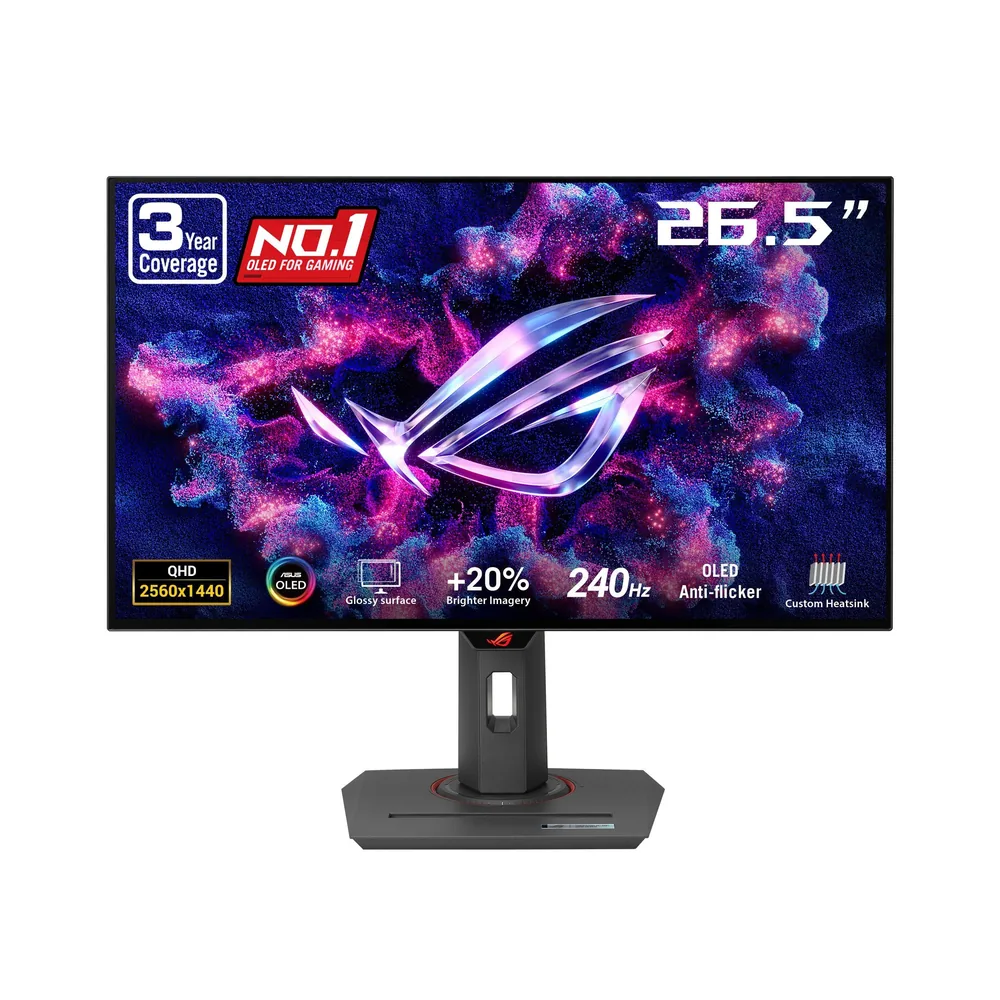
240 Hz, instant response and the best contrast of the three for picking silhouettes out of dark areas. Against the BenQ you lose 40 Hz and the DyAc strobing; against the ASUS you lose very little and gain on price. For a competitive player on a budget, it's the best ratio in this category.
Mechanical speed and precision
Rocket League
9/10
Almost as good as the ASUS: the same panel speed and even more colour saturation, which helps track the ball. It falls behind on stand adjustment, which matters if you need a very specific height to play comfortably.
High click-rate PvP
Minecraft
8/10
The same warnings as any OLED with a fixed HUD, offset by colours that make a shader world look far better than on an LCD. The 147.6% sRGB coverage is more than the game needs, so it's worth using a clamped colour mode so it doesn't look oversaturated.
Mixed competitive play
Roblox
9/10
A very good all-rounder: the same 240 Hz as the ASUS, an excellent panel and a friendlier price. If the machine is shared at home between gaming, homework and video, this is the one that gives the most performance per euro.
Pros, cons and who it's for
Strengths
QD-OLED panel at 240 Hz and 0.03 ms for the price of a fast LCD
1,500,000:1 contrast and HDR400 True Black
110.2% DCI-P3: colour far beyond any TN
G-SYNC Compatible
Three-year warranty
Weaknesses
The stand is basic next to the BenQ's or the ASUS's
AOC doesn't publish SDR brightness in nits on this listing
Burn-in risk inherent to any OLED
The four-button menu system is awkward
Ideal for: Someone who wants to get into 240 Hz OLED for as little as possible and can live with a simple stand.
The consensus in the reviews is 'best OLED for the money': buyers arriving from 100-144 Hz IPS panels describing the jump as enormous, with praise for the glossy finish and the HDR. Criticism concentrates on the basic stand and the four-button menu navigation.
Our own synthesis based on published opinions about the product. We don't reproduce third-party reviews.