Affiliate disclosure: LatenciaCero is a participant in the Amazon Associates Program. The product links on this site are affiliate links, and if you buy through them we earn a commission at no extra cost to you. Amazon and the Amazon logo are trademarks of Amazon.com, Inc. or its affiliates.
Technical benefits: what it actually gives you
Double rail: the magnet doesn't wobble, the reading doesn't shake
In a magnetic switch, precision depends on the magnet always travelling along the same axis. Gateron's double-rail structure cuts lateral stem wobble, and less wobble means a more repeatable position curve. That repeatability is what lets you trust a 0.1 mm Rapid Trigger without phantom activations.
Four actions on a single key
Beyond the activation point you can define a second stage on the way down and two more on the way up. In practice: walk with a light touch, run when you bottom out, and fire a different action on release. That's real analog programming, not a chained macro.
QMK with nothing to install
Settings are written to the keyboard's firmware from a web page, so the behaviour travels with the board to any PC. If you go to LANs or switch machines, that's the difference between playing on your actuation points and playing on the factory ones.
Editor's rating
Precision9/10
Response speed8/10
Ergonomics9/10
Build quality10/10
Value for money7/10
Scores from 0 to 10 assigned by our editors from the spec sheet and compared within each category. These aren't manufacturer figures: they're our judgement. You can read the method in how we choose.
Full spec sheet
Switches & actuation
Switch technology
Magnetic (Hall Effect)
Switch model
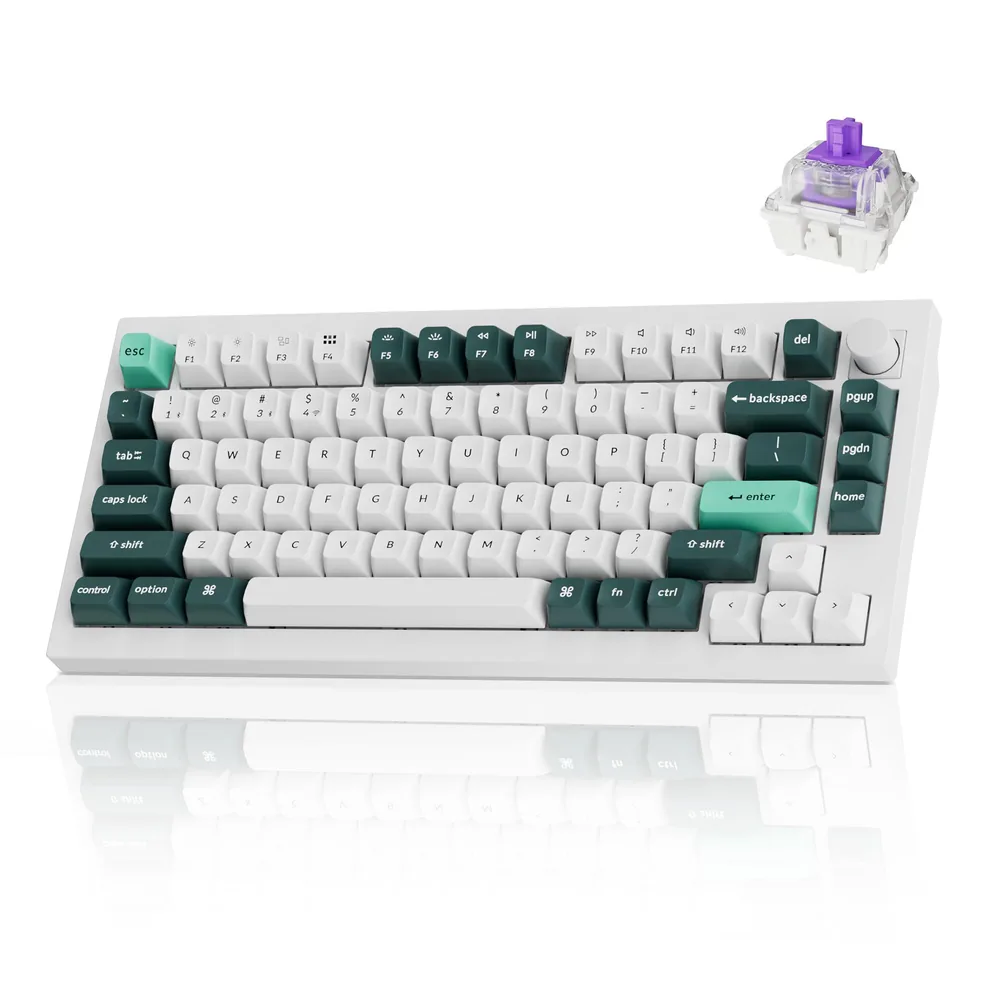
Gateron Double-Rail Magnetic Nebula
Minimum actuation
0.2 mm
Maximum actuation
3.8 mm
Adjustment step
0.1 mm
Rapid Trigger
Yes
Rapid Trigger minimum
0.1 mm
SOCD resolution / Snap Tap
Configurable from Keychron Launcher
Actuation force
—
Latency & connectivity
Polling rate
1,000 Hz
Polling interval
1 ms
Connectivity
2.4 GHz + Bluetooth 5.2 + USB-C
Battery life
—
Build
Format
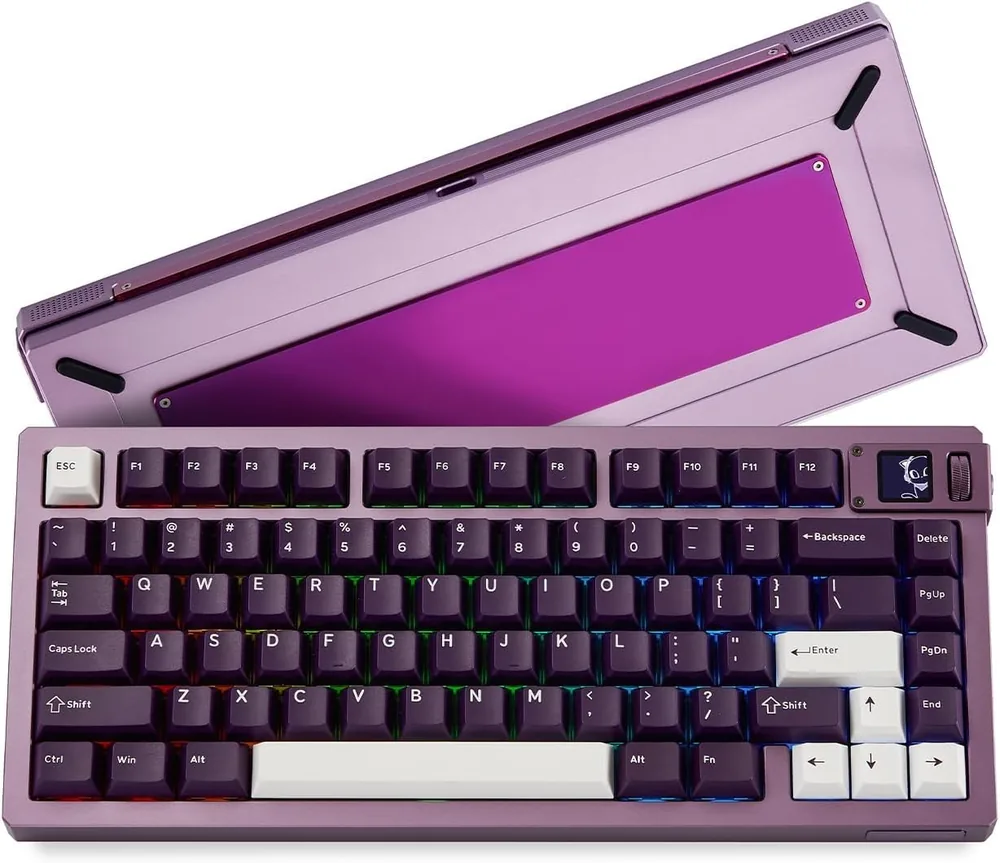
75% (82 keys)
Key count
82
Keycaps
Doubleshot PBT, OSA profile
Plate
Aluminium
Chassis
Machined aluminium
Hot-swap
Yes
Weight
—
Other
Warranty
1 years
Other listing details
Firmware
QMK with the Keychron Launcher web configurator (nothing to install)
Actions per key
Up to four different actions depending on press depth and release stage
Lighting
South-facing RGB
Switch structure
Double rail: less stem wobble and a more stable magnet reading
In the box
Keycap puller, screwdriver and hex key; genuine hot-swap
Fields with no data show as “—”: it means neither Amazon nor the manufacturer publishes that figure. We'd rather leave it empty than estimate it.
How it performs by game type
Tactical shooters
Valorant · CS2
9/10
It goes toe to toe with the 60% boards on responsiveness while keeping the function row and arrow keys, handy for team chat and quick settings. The aluminium chassis is heavy enough that it doesn't budge during the most aggressive strafing.
Mechanical speed and precision
Rocket League
9/10
It's the best of the three keyboards for Rocket League on keyboard: real arrow keys, and four actions per key so you can separate a light touch from a full boost by how deep you press. Coming from a controller, this is the closest you'll get to an analog trigger.
High click-rate PvP
Minecraft
9/10
The 75% layout keeps F3, F5 and the whole function row, all used constantly in Minecraft. Add hot-swap so you can change the feel of your utility keys and it's the most comfortable of the three for long PvP and building sessions.
Mixed competitive play
Roblox
8/10
It performs perfectly, but it's the most expensive and the heaviest of the three: if Roblox on a shared machine is your main use, or you carry your keyboard around, a 60% gives you the same response for a lot less money.
Pros, cons and who it's for
Strengths
Machined aluminium build at genuine custom-keyboard level
Real hot-swap: you can change the magnetic switches
QMK and a web configurator, with no resident software
75%: arrow keys and function row without giving up mouse room
Up to four actions per key based on depth
Weaknesses
The most expensive of the three keyboards here
Very heavy: not a board you carry around
1000 Hz polling; Keychron sells a separate 8K version
The Launcher has a steeper learning curve than a plug-and-play board
Ideal for: Someone who wants a single keyboard for competing and for eight-hour workdays, with custom-tier quality and no compromise on arrow keys or the function row.
The pattern in the reviews is clear: people who bought it for Rapid Trigger in Valorant end up raving about how good it is to type on. Mentions of the weight and the finish of the machined chassis come up again and again, along with it being the keyboard that made them stop buying keyboards. A few reviews flag small finish details or fiddly initial setup.
Our own synthesis based on published opinions about the product. We don't reproduce third-party reviews.