Affiliate disclosure: LatenciaCero is a participant in the Amazon Associates Program. The product links on this site are affiliate links, and if you buy through them we earn a commission at no extra cost to you. Amazon and the Amazon logo are trademarks of Amazon.com, Inc. or its affiliates.
Technical benefits: what it actually gives you
Rapid Trigger: the reset stops being a fixed point
On a traditional mechanical keyboard the key isn't available again until it travels back above a fixed reset point, usually 1.5 to 2 mm up. With Rapid Trigger the optical sensor tracks the actual position of the stem at all times, so the key deactivates the instant your finger starts lifting — even by 0.1 mm. In a CS2 counter-strafe that means the A key stops registering the moment you release it, and the shot leaves with your model already stopped.
Actuation adjustable from 0.1 to 4.0 mm per key
You can set WASD to 0.1 mm so they fire on a brush of the finger, and push utility keys out to 3 or 4 mm so you never throw a grenade by resting a thumb on the key. It's the same hardware tuned for two opposite jobs inside the same round.
Snap Tap: the last direction pressed wins
Press A while D is held down and the keyboard prioritises the newest input without making you release the old one. Direction changes become instant instead of depending on how fast you lift a finger. It's a genuine edge on peeks and fast strafes — just check the rules of whatever league you play in, because some competitions have restricted this class of feature.
Editor's rating
Precision9/10
Response speed9/10
Ergonomics7/10
Build quality9/10
Value for money7/10
Scores from 0 to 10 assigned by our editors from the spec sheet and compared within each category. These aren't manufacturer figures: they're our judgement. You can read the method in how we choose.
Full spec sheet
Switches & actuation
Switch technology
Analog optical (Gen-2)
Switch model
Razer Analog Optical Gen-2
Minimum actuation
0.1 mm
Maximum actuation
4 mm
Adjustment step
0.1 mm
Rapid Trigger
Yes
Rapid Trigger minimum
0.1 mm
SOCD resolution / Snap Tap
Razer Snap Tap (via firmware)
Actuation force
40 g
Latency & connectivity
Polling rate
1,000 Hz
Polling interval
1 ms
Connectivity
Detachable USB-C (wired)
Battery life
—
Build
Format
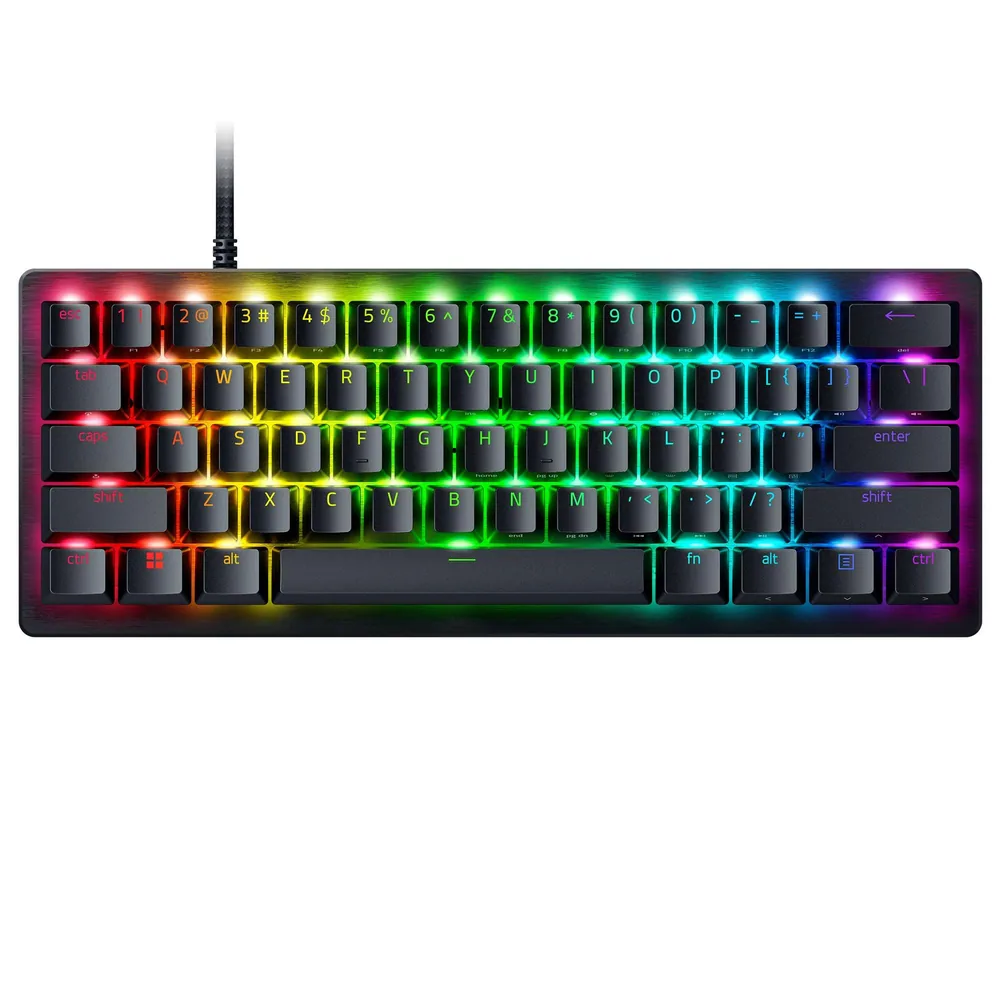
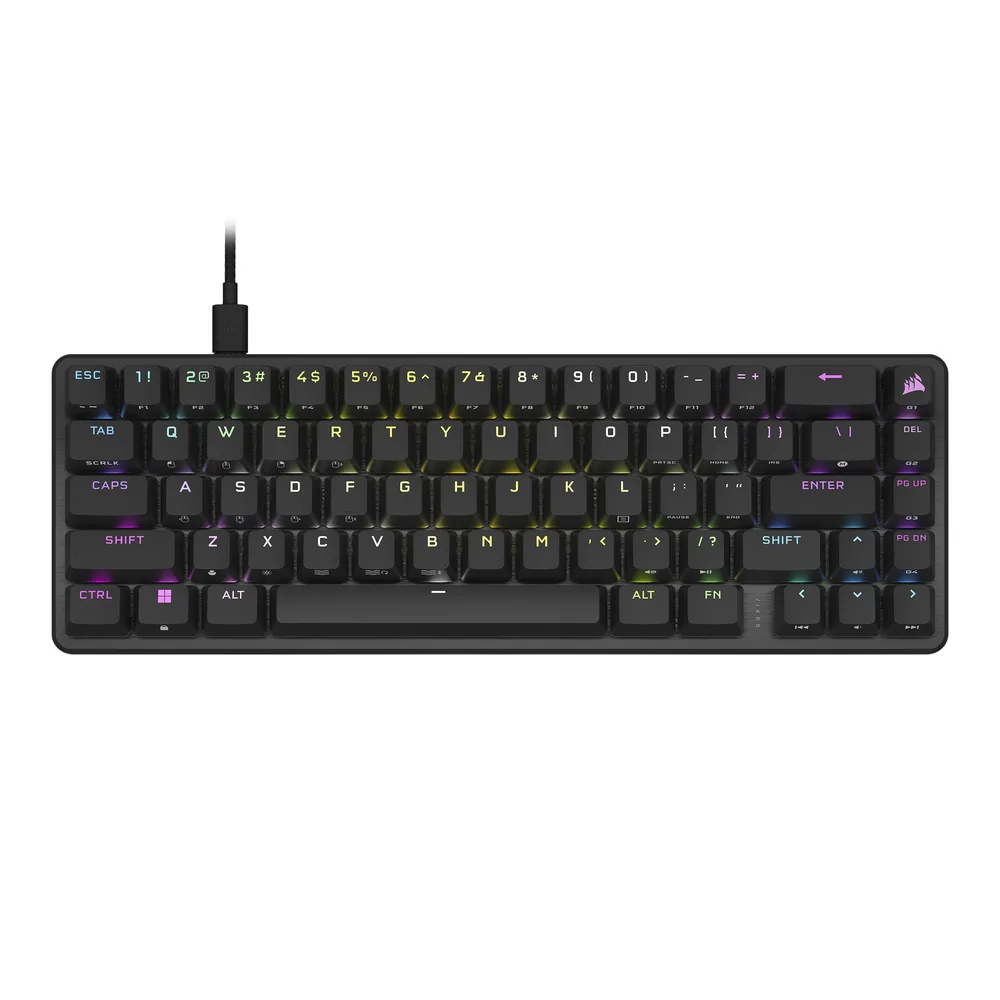
60% compact
Key count
61
Keycaps
Textured doubleshot PBT
Plate
Aluminium
Chassis
Aircraft-grade aluminium
Hot-swap
No
Weight
—
Other
Warranty
1 years
Other listing details
Switch lifespan
100 million keystrokes
Software-free tuning
On-board LED array to change actuation and Rapid Trigger on the keyboard itself
Modifier keys
The bottom-right modifiers double as arrow keys when tapped
Profiles
6 profiles in onboard memory
Polling variant
This ASIN is the 1000 Hz version; Razer sells a separate 8000 Hz HyperPolling variant
Fields with no data show as “—”: it means neither Amazon nor the manufacturer publishes that figure. We'd rather leave it empty than estimate it.
How it performs by game type
Tactical shooters
Valorant · CS2
10/10
This is home turf. Low actuation on WASD, aggressive Rapid Trigger and Snap Tap all attack the exact place duels are lost in Valorant and CS2: the time it takes you to stand still before shooting. The 60% layout also frees up half the desk so you can drop DPI and aim from the elbow.
Mechanical speed and precision
Rocket League
8/10
The keyboard matters less here than in a shooter, since a lot of Rocket League input wants analog nuance from a controller. Still, if you play on keyboard, Rapid Trigger helps with short air-roll taps and powerslide changes. The catch is the missing dedicated arrow keys, though the bottom-right modifiers cover that when tapped.
High click-rate PvP
Minecraft
8/10
In high-CPS PvP the ceiling is set by your mouse, not your keyboard, but sprint locking and the direction changes of a crystal PvP fight come out cleaner with an instant reset. The 60% layout does push F3, F5 and the function row onto layers, and Minecraft uses those more than people expect.
Mixed competitive play
Roblox
9/10
In Roblox shooters and competitive obbys the input is pure, simple keyboard: WASD, space and little else. An analog switch actuating at 0.1 mm shows up in chained jumps and strafes. It's also plug and play: the settings live on the keyboard, so you don't need software on a shared PC.
Pros, cons and who it's for
Strengths
Rapid Trigger and actuation configurable on the keyboard itself, no software
Gen-2 analog optical switches rated for 100 million keystrokes
Aluminium build and doubleshot PBT keycaps, well above average
Snap Tap for instant direction changes
The 60% layout leaves a huge amount of room for wide mouse movement
Weaknesses
This ASIN is the 1000 Hz version; the 8000 Hz one is sold separately and costs more
Wired only: there is no wireless option
No dedicated arrow keys or function row — everything lives on layers
Synapse is still heavy software if you want macros or advanced profiles
Ideal for: The tactical shooter player who wants the finest possible control over the actuation point and doesn't mind a cable in exchange for the ergonomics of an aluminium 60%.
The reviews on the product page keep coming back to two things: how immediate the response feels coming from a traditional mechanical board, and how much desk space you gain moving to 60%. Several buyers single out being able to adjust actuation without opening any software. The most repeated criticism isn't about the keyboard but about Synapse, with the odd case of keys needing to be remapped after an update.
Our own synthesis based on published opinions about the product. We don't reproduce third-party reviews.